+
~/Pictures01Pick a folder.
Screenshots, scans, or your whole inspiration folder. Lenscribe watches it and its subfolders for new images.
All those screenshots, receipts, and saved ideas.
Find them by
what’s in them.
Lenscribe turns the text in your images into text you can search. Quietly in the background, right on your desktop.
No new filing system. Your folders stay yours.
Just give your images a little more
meaning.
Screenshots, scans, or your whole inspiration folder. Lenscribe watches it and its subfolders for new images.
Connect your favorite vision model and enable extraction. Lenscribe reads the text while you get on with your day.
Search the words inside an image with familiar file tools, or connect to Lenscribe’s local search API.
Try a search with a few sample images.
The filename is only half the story.
 A little Lenscribe
demoSAMPLE FILES
A little Lenscribe
demoSAMPLE FILESTry , , or .
MAPLE & OAK COFFEE
Saturday, 09:41 AM

Oat milk latte       $5.50
Almond croissant     $4.00

Total               $9.50

A little pause. A good coffee.
Find that café. Even when the filename gives you nothing.
Lenscribe saves extracted text inside the image file itself. Move it, copy it, back it up—the words go along for the ride.
Your original image bytes stay intact. And the text stays readable, even when Lenscribe isn’t running.
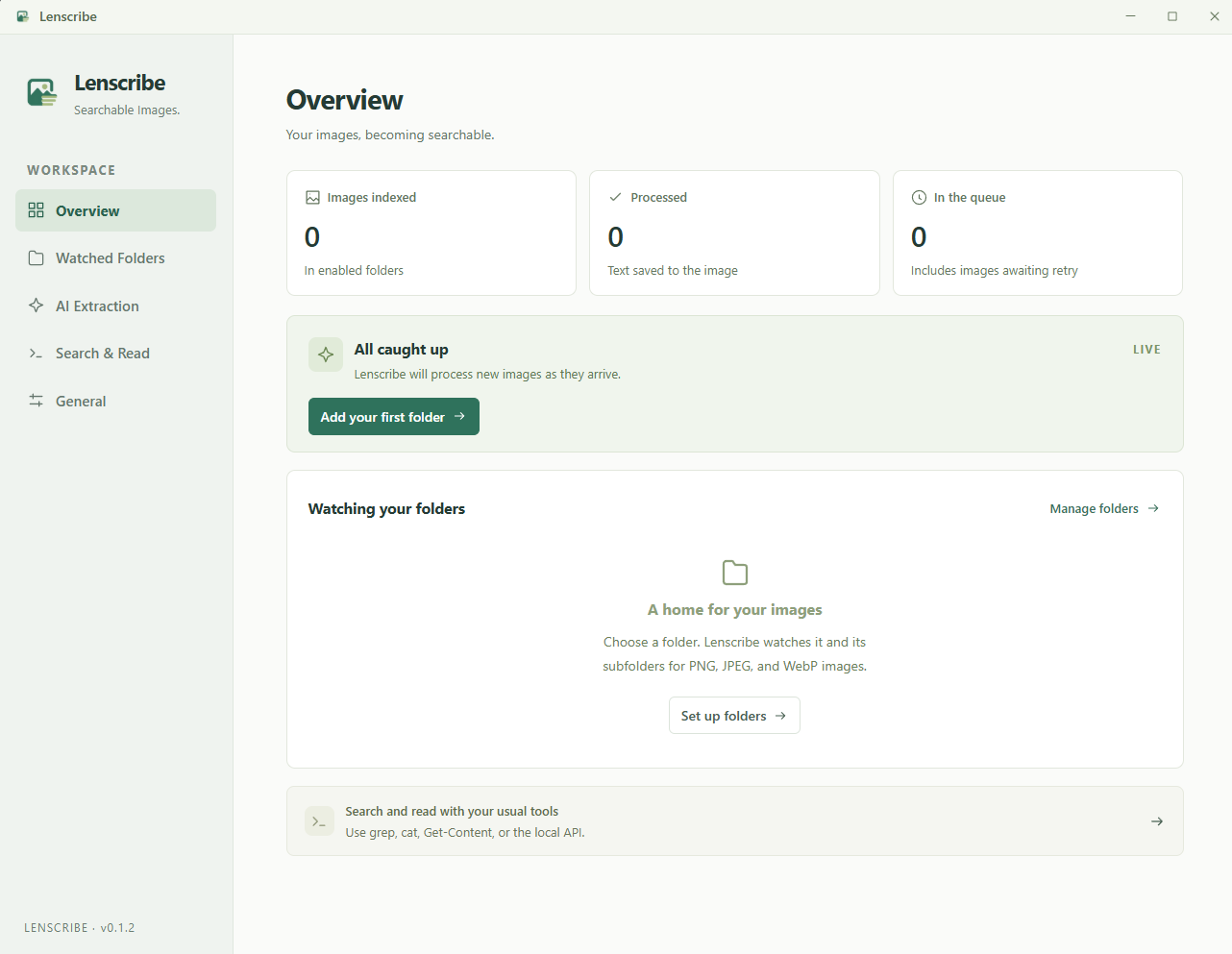
A closer look at how it worksKeep an eye on progress, choose your folders, and fine-tune the text.
Then close the
window. Lenscribe keeps working in your tray.
Use a hosted vision model, or keep processing on your computer with Ollama. Lenscribe works with the provider you choose.
Choose an image-capable model. Hosted API usage may have its own cost.
grep -ar "coffee" .MAPLE & OAK COFFEE
A little pause. A good coffee.
Search every file in the current folder and its subfolders. No running app required.
Curious about something else?
Start a conversation on GitHub
Lenscribe preserves the original image bytes and adds readable text after the image data. It does not re-encode the image. Compatibility depends on your image viewer accepting trailing data. Re-saving or re-encoding an image in another app may remove the appended text.
Yes. Use a local vision model through Ollama or an OpenAI-compatible endpoint. If you choose a hosted provider, your images are sent to that provider when extraction is enabled. Scanning alone does not send images to a model.
Lenscribe watches PNG, JPEG, and WebP files, including subfolders. Automatic extraction and previews support images up to 20 MiB. A vision model’s supported formats may vary.
Lenscribe is open source under the MIT license. Hosted model providers may charge for their API usage. You can also connect a local vision model through Ollama.
Open the file inspector to review and edit its text, or reprocess the image with your selected model. Vision models can make mistakes, so you stay in control of the saved result.
Give your saved images a second life.
Download Lenscribe and start with one folder.
Choose the Windows installer from the latest release. Installers are currently unsigned.
Prefer to build from source?